

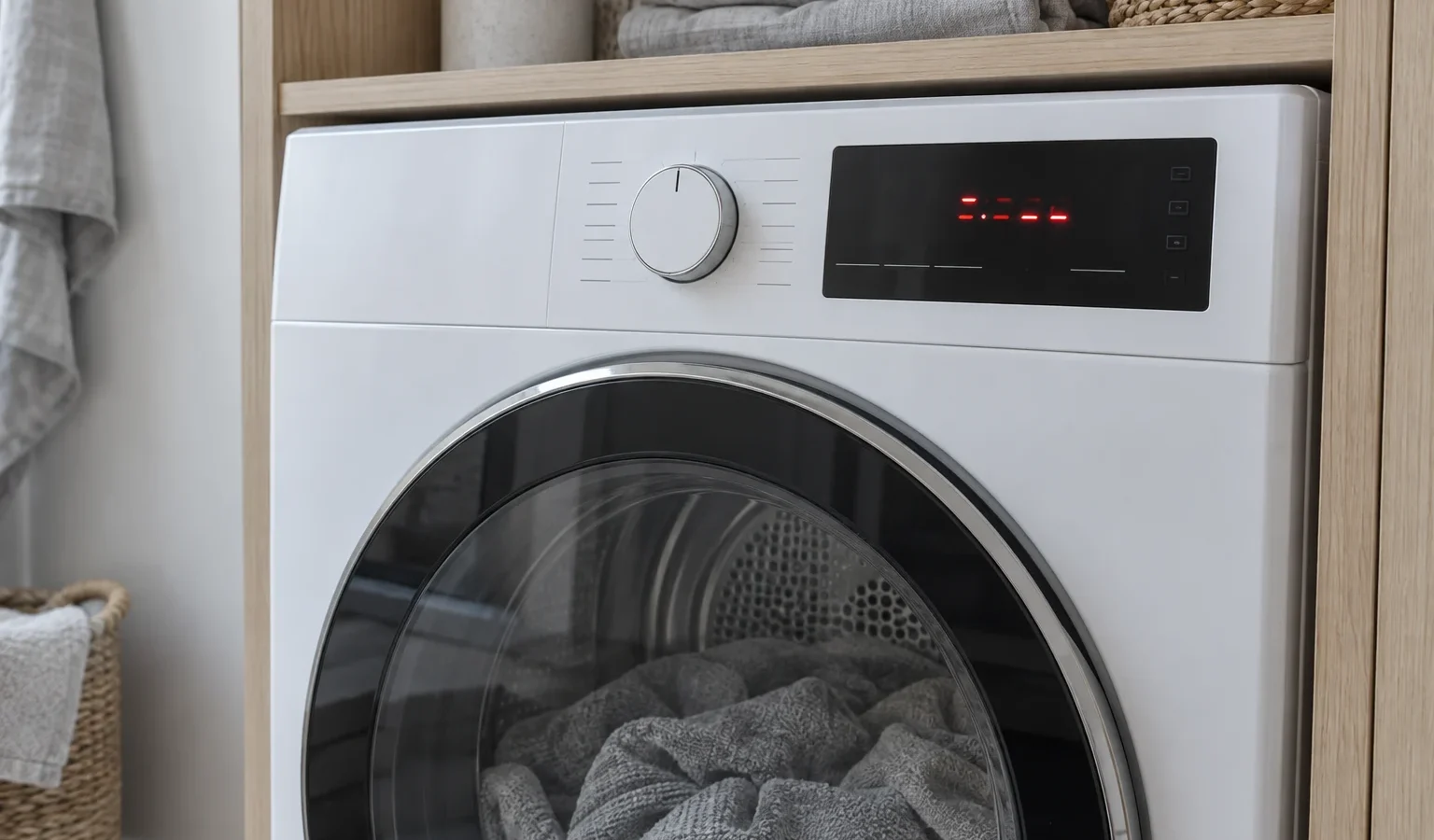
A guide to the verified Asko dryer codes from E0 to E11, what each one is listed as, which ones you can act on, and which ones need a technician.
An error code on a dryer display is a short message from the control about what it noticed. It is not a repair order. Some codes are plain and a cleaning step settles them; others point toward electronics or sensors that only a technician can test. Asko dryers show their messages as E-numbers, and the entries below are the meanings held in our code library for dryers. If your code is not listed, write down exactly what you see and use it when you book rather than guessing.
Look at the whole display before you act. Some codes appear with a decimal, such as E1.1, E1.2 and E1.3, which the library groups under the thermistor error. Others flash only briefly. Photograph the display, note what the drum was doing and note which program ran. A code that appears once after a power cut is different from one that returns on every load.
A dryer that reports a temperature sensor problem should not be run repeatedly. Let it cool, clean the filters and try one program; if the code returns, it needs a diagnosis.
These describe different electronic modules failing to talk to each other. An owner cannot repair that, but a single controlled power reset sometimes clears a one-off glitch. If the same code returns, the message is genuine and a technician must test the modules and wiring.
E11 is an error in BLDC motor communication. Brushless motors rely on the control talking to them, so a problem here can stop the drum or prevent starting. If the drum will not turn and you hear a hum, switch the dryer off and keep it off until it has been examined.
E3 is a pump error, listed as a condensate pump failure. This applies to dryers that move condensed water out through a pump, so it is worth checking that the drain hose is not kinked, and that any water container is empty. Our guide on the Asko dryer condensate water problem goes through those checks.
These are electronic faults and belong to a technician. An unresponsive button on the panel is not a reason to press harder or take the panel off. Do not try to use the dryer through workarounds.
E7 is listed as a door failure. Before anything else, open the door fully, look for a sock or cloth caught in the opening and close it with a firm click. Wipe the door seal area. If the door closes cleanly and the code keeps appearing, the switch or its wiring needs a technician.
An intermittent code is still information. Note whether it appears when the dryer is cold or hot, after a long program or right at the start, and whether the door was opened during the cycle. A code that shows up only on heavy loads often relates to airflow or load size, while one that shows immediately at power-on suggests electronics. Jot down a date and program each time; a short log is far more useful to the technician than a memory of “it did something last week”.
If the same code returns after that, stop retrying.
Do not open the cabinet or the control panel, do not reach into the drum area with tools, and do not bypass a door switch. Never touch anything connected with the sealed heat pump circuit. And do not assume that a code lists a part to replace; many conditions produce overlapping messages, so the technician confirms the actual fault.
Asko dryers come in vented and heat pump forms, and different generations show different messages. Having the model number from the door opening speeds up everything. Current examples include the vented T411VD.W.U and the heat pump T7HXLW.U, a 7-series dryer. Give us the model, the code and what you tried.
We diagnose before we repair, provide a written estimate and repair nothing without your approval. The visit is described on the Asko dryer repair page, and the Asko dryers overview lists the lineup we service across San Francisco and the surrounding Bay Area. If the dryer is also not drying well, the article on a heat pump dryer not drying may help while you wait.
Mostly E4, where the library says to clean the filters, E3 where water handling can be checked, and E7 where the door can be closed properly. The rest need a technician.
The library groups E1, E1.1, E1.2 and E1.3 as a thermistor error, a temperature sensor failure. Write down the exact variant when you book.
A single controlled reset sometimes clears a one-off glitch. If the code comes back, the fault is real and repeated resets do not help.
No. It tells you which area the control flagged. A technician tests the actual part before any repair.
Write it down exactly as displayed, take a photo, note the model number and describe what the dryer did, then request a visit.
Share a few details and we’ll confirm an appointment. Prefer to talk? Call us and we’ll help right away.