

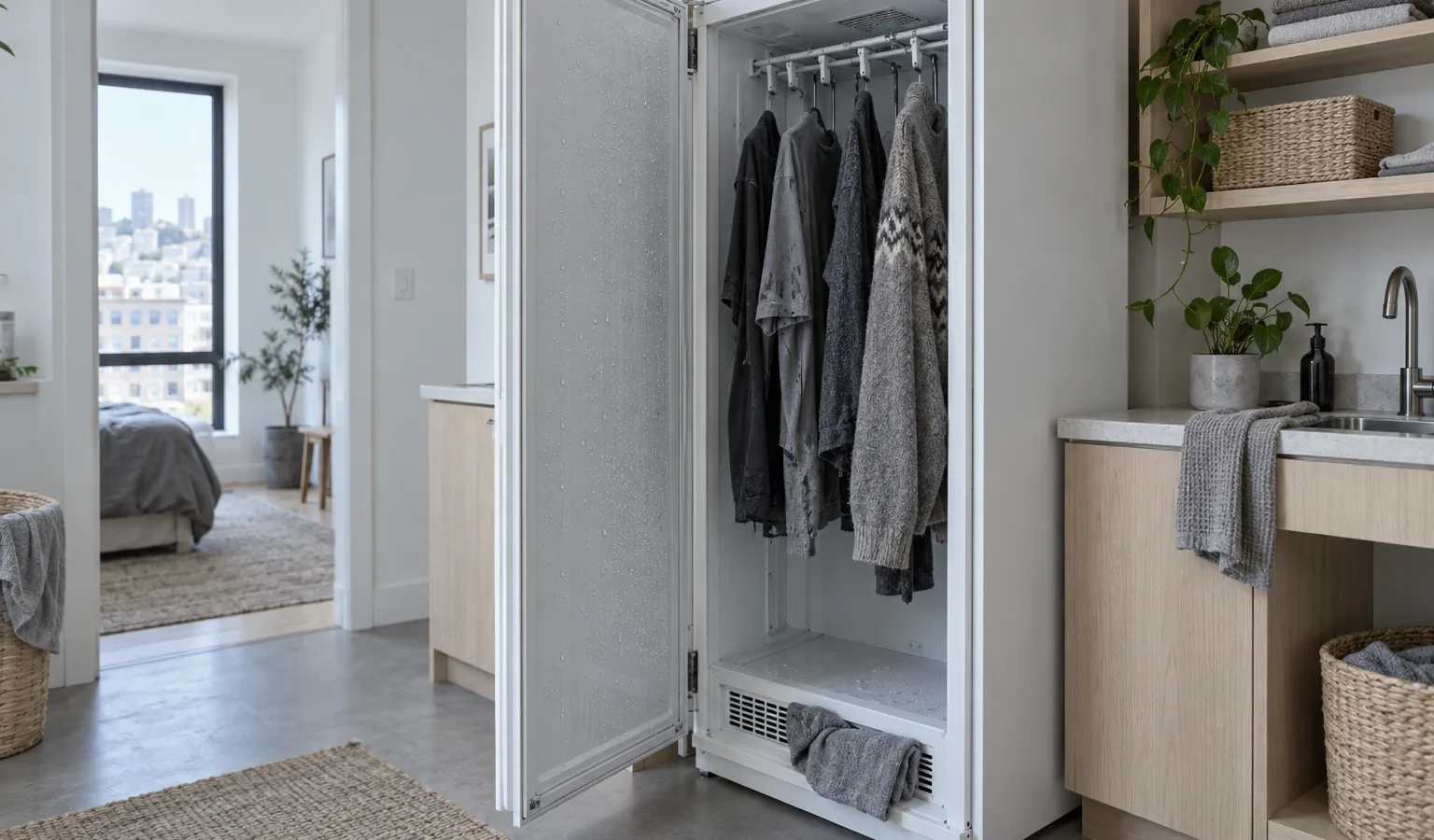
A drying cabinet that leaves garments damp may be limited by its water tray, a sensor, a time limit or the way items hang. Check these before booking.
An Asko drying cabinet is a tall, quiet cupboard that dries clothes on hangers instead of tumbling them. It moves warm air through the space, takes the moisture out of that air and gathers the water in a tray. Because it works slowly and without a drum, the signs of trouble look different from a dryer: garments that feel cool and clammy, cycles that stop on time with nothing dry, or a message on the display. This guide helps you find what is limiting the process.
The moisture pulled from garments ends up in a tray or tank. When it fills, the cabinet must stop to avoid overflow. The library lists E06 as a check of the water pump, with water level in the tray too high and the float switch activated. Empty the tray or container according to your manual, check the drain connection if the cabinet has one, and make sure the float can move freely without lint around it. A tray that was not emptied after the previous cycle is a common reason a cabinet appears to fail.
A cabinet dries by air passing around each item. If you stuff it, the middle of every garment stays wet. Use the hangers or rails as intended, leave space between items and avoid draping bulky pieces over each other. Hang coats and heavy knitwear on their own. Items that were not spun well in the washer will need much longer, so check the wash step as well; the guide to a washer that is not spinning is relevant if clothes arrive soaking.
The library describes E04 as maximum drying time exceeded, with a preset of 240 minutes that can be changed with parameter P2073. In plain terms, the cabinet ran the whole allowed time and still had not reached dry. That points at a load that was too wet, too large, or airflow that was restricted. Reduce the load and spin the laundry more thoroughly before you try again. Adjusting the parameter is a setting for a technician, not something to hunt for in a menu.
Dryness is judged by a moisture sensor. E03 is listed as a fault on the moisture sensor, with the sensor outside its measurement range. If the cabinet cannot read dryness correctly, it may end too early or run on. Wiping the cabinet interior is fine, but do not poke at the sensor or try to clean it with a tool. A technician tests and replaces sensing parts if needed.
E12 means a timeout in communication, with communication between the user interface and the electronics temporarily interrupted. A single power reset sometimes clears a temporary interruption. If the cabinet repeats it, the fault needs a technician.
A drying cabinet needs air to move in and out. Check that the intake and exhaust grilles are not blocked by hanging garments, laundry baskets or boxes at the base. In San Francisco homes the cabinet often sits in a utility room, a garage corner or a closet, so make sure the doors of that space are not shutting off ventilation. Keep the cabinet level; a cabinet that leans can leave the tray unevenly filled or confuse the float.
Do not hang dripping garments and expect the cabinet to dry them; wring or spin them first. Do not add electric heaters or fans to speed things up. Do not open panels to reach the pump or sensor, and do not run the cabinet with water on the floor. A burning smell or any sign of sparks means switching off at the breaker and leaving the cabinet off.
If the tray is empty, the load is sensible, the grilles are clear and the cabinet still leaves garments damp, or it repeats a code, the next step is a diagnosis. We examine before repairing, provide a written estimate and repair only what you approve. See the Asko drying cabinet repair page for the process and the Asko drying cabinets guide for the product family. The most useful details to have ready are the label, usually inside the cabinet door, and the exact code you saw. For general guidance see how to find your Asko model number, and read Asko drying cabinet error codes for the full set of verified meanings.
Common reasons are a full water tray, a time limit reached, too much hanging at once or a sensor that cannot read dryness correctly.
The library lists it as maximum drying time exceeded, with a preset time that a technician can change by parameter. Lighten the load and spin laundry harder first.
Moisture condenses and is collected in a tray or container that you empty, or is handled as the installation allows. A full tray stops the cycle.
It is designed for gentle drying of garments that are already spun. Soaking items overload the process and trigger time limits.
The model label from inside the door, the code shown, what you hung and whether the tray was full.
Share a few details and we’ll confirm an appointment. Prefer to talk? Call us and we’ll help right away.