

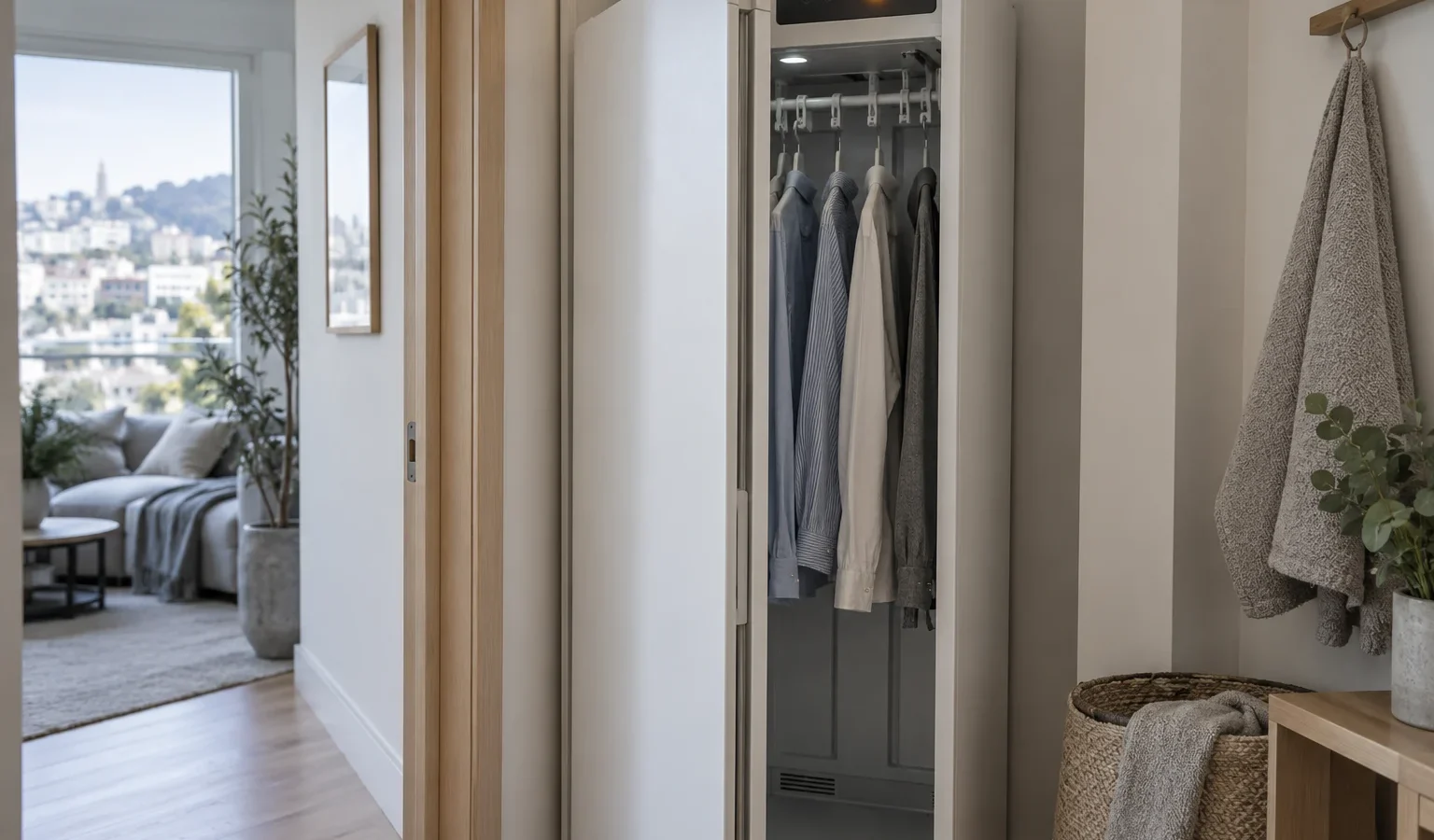
Your Asko drying cabinet shows a number on its display and stops. Here is what each code points to, what you can safely check, and when a technician visit makes sense.
A drying cabinet is a quiet appliance. Garments hang inside, warm air moves through, moisture is collected, and the display counts down. When something interrupts that routine, the cabinet stops and shows a fault. On the Asko drying cabinet family the display can read as an E-number or in the longer form, such as ERROR 03. Both forms are the same fault. The listing below covers the four codes our reference library ties to the DC7784HP and DC7794HP cabinets, and it explains what you can look at yourself before a technician is involved.
Faults on a drying cabinet are easy to lose. Once you press buttons, open the door repeatedly or cut the power, the display may go back to normal and you will not remember which number appeared. Stand in front of the cabinet, read the code exactly as shown, and write it down along with what the cabinet was doing at that moment: heating, idling, finishing, or not yet started.
It also helps to know which cabinet you own. In our library the electric DC7784V.W and the heat pump DC7784HP.W are the two drying cabinets listed, and the codes below are documented for the heat pump line. If you are unsure where the label sits, our guide to how to find your Asko model number walks through the usual spots.
Each page linked above goes deeper on a single code. The short version of each is below, because the right response is quite different for each one.
A moisture reading that falls outside the range the sensor is expected to measure points at the sensing circuit rather than at the clothes. Wet laundry does not cause it. What a technician examines is the sensor itself, its connection and the electronics reading it. From the outside, there is very little you can improve. Make sure the door closes fully, that nothing is jammed against the interior, and that the cabinet is not sitting in a spot where water can run onto it. Then record the code and request a visit.
This is the code that most often has a simple explanation, and also the one that most often hides a real fault. A very heavy or thick load, a door that was opened mid-cycle, or a room that is cold and damp can stretch a cycle. If the cabinet reaches its time limit with an ordinary load, something in the drying path is underperforming: airflow, heat, or moisture removal. Our article on a drying cabinet not drying describes how those causes are separated. Before you run it again, check that the filters and grille are clear.
A heat pump drying cabinet removes moisture from the air and has to send that water somewhere. When the tray level climbs too high, a float switch trips and the cabinet stops to protect itself. The cause may be a pump that is not moving the water, a restricted path, or a float that is reporting wrongly. The safe check is plain: if your cabinet has a collection container or tray you are meant to empty, empty it, and look for a kinked drain hose behind or beside the cabinet. Straighten any kink you can see without moving the cabinet by force. If E06 returns, stop using the cabinet and book a visit, because standing water inside a cabinet should not be left to dry on its own.
A communication timeout means the control panel and the electronics stopped exchanging messages for a moment. Sometimes it is a single hiccup; sometimes it repeats and the cabinet ignores buttons or stops partway. One controlled power reset is a reasonable check: switch the cabinet off at its outlet or breaker, wait briefly, and restore power. If the code comes back, a technician should look at the connection between panel and board. Do not remove any cover to look for the cause yourself.
Do not open the back or side panels, probe the sensors, or try to bypass the float switch so that the cycle finishes. A tripped float switch is protection against water reaching parts that should stay dry. Do not keep restarting a cabinet that repeats the same code; every extra cycle adds heat and moisture to a fault that is already present. If you notice a burning smell or see sparks, switch the cabinet off at the breaker and leave it off.
In flats, in-law units and renovated Victorians the drying cabinet usually lives in a hall closet or a laundry nook, so access matters. Tell us the code, the model if you have it, and where the cabinet sits. We diagnose before any repair, give you a written estimate, and repair nothing without your approval. Start from our Asko drying cabinet repair page, and read about the whole Asko drying cabinets lineup if you want the wider picture.
No. The display can show the longer wording or the short E-number, but both refer to the same moisture sensor fault on the cabinet.
You can try one short test cycle after cleaning the filters and checking airflow. If E04 appears again with a normal load, stop using the cabinet and arrange a diagnosis.
Empty the water container or tray if your cabinet has one, check the drain hose for kinks, and make one controlled power reset. If the code returns, leave the cabinet off and book a visit.
Not necessarily. It means communication between the panel and the electronics was interrupted. A single occurrence after a power flicker is different from a code that keeps coming back.
The code exactly as displayed, the model number, what the cabinet was doing, and what you have already tried. A photo of the label helps.
Share a few details and we’ll confirm an appointment. Prefer to talk? Call us and we’ll help right away.