

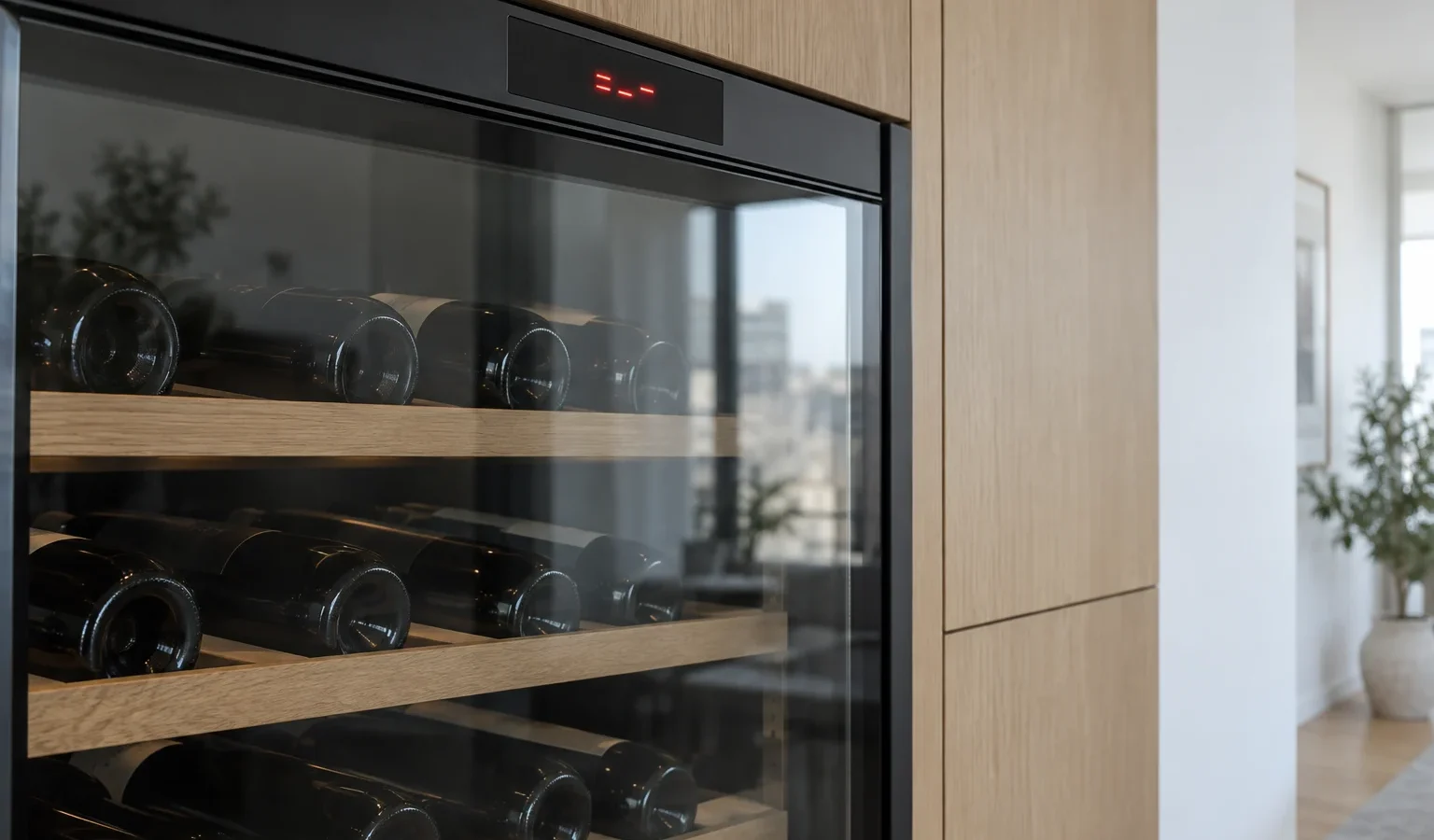
Wine climate cabinets use short letter-and-digit codes. This guide groups them by what they report, from Wi-Fi and communication to fans and sensors, and what to do next.
Unlike the dishwashers and washers in the same lineup, a wine climate cabinet does not use long F or E sequences with dozens of entries. Its codes are short: a letter and one digit, or just two digits. The library we keep for the WCN111942G lists sixteen of them, and they sort naturally by what the cabinet is trying to tell you. Read the code exactly as it appears, because upper case and lower case letters matter here: the temperature sensor codes use a lowercase t.
Several codes belong to the Wi-Fi and pairing side of the cabinet. They matter for the app, not for whether the cabinet is cooling.
If one of these appears and the cabinet keeps holding its setting, bottles are not in immediate danger. Check that your home router is working, that the cabinet is within reach of its signal, and then make one controlled power reset. If the code persists, a technician can check the module itself. Do not hunt for hidden buttons or panels.
Two codes concern communication between the user interface and the power board, in opposite directions. E0 reports a communication error from the power board to the user interface electronics, while E8 reports the reverse path, from the interface to the power board. Either one can cause an odd display, buttons that do nothing or a cabinet that does not respond to a change of setpoint. They are board-level faults. The only owner step is a power reset and a clear note of which code appeared first.
F1 is an appliance compartment fan error. F2 is a condenser fan error. A wine cabinet depends on moving air to carry cool through the compartment and to push heat out of the machinery space, so a fan code can quickly turn into a temperature problem. Listen for a fan that is silent, scraping or rattling. If you hear something new, the article on wine cabinet fan noise gives a fuller picture. Leave fan work to a technician, since it means opening the cabinet.
The sensor group can look harmless, since a sensor is a small part. In practice the cabinet uses sensor readings to decide when to cool and when to stop, so a bad reading can leave bottles too warm or too cold. The door sensor code, E9, is a good example: if the cabinet cannot tell whether the door is shut, it may behave as if the door were open. Before you assume the sensor is at fault, check that the door really closes and that nothing prevents it. See also our companion article on wine cabinet temperature problems.
For any code, note the exact characters, the date, whether the cabinet was cooling normally before it appeared, and whether the code is steady or comes and goes. Add any sound or smell you noticed. If your cabinet shows a code that is not in the sets above, record it anyway; the library is built from the codes documented for the WCN111942G, and other cabinets may differ.
Some wine cabinet codes describe a convenience feature rather than the cooling itself, and the cabinet carries on holding its setting while the code is shown. Others describe a part the cooling depends on, and the cabinet may slowly drift. You cannot tell which is which from the display alone. A simple habit helps: when any code appears, check the temperature inside with a separate thermometer a few hours later and again the next morning. If it holds steady, you have time to book a visit calmly. If it climbs, move the bottles and treat the visit as more pressing.
Think also about what changed shortly before the code appeared. A power outage or flicker, a router replacement, a new shelf layout, a cabinet nudged during cleaning, or a door left ajar overnight each leave different traces. Telling us these details speeds up the diagnosis considerably.
A code that returns after a reset, a fan that sounds wrong, or a cabinet that will not hold temperature all justify a diagnosis. We check before repairing, give you a written estimate and wait for your approval. Please keep the code, the model number and your observations ready when you reach our Asko wine cabinet repair page, and see the Asko wine climate cabinets overview for the wider lineup. For a second model in the family, see WCN311942G.
Not by itself. Wi-Fi and pairing codes concern the connected features. Still, check the temperature to be sure, because a single error can hide another.
The temperature sensor codes use a lowercase letter, while others use capitals. Writing it exactly helps the technician look up the right entry.
A controlled power reset may clear a one-time communication fault. A fault in a fan or sensor will return, and that return is useful information.
Fan, sensor and door codes, because they can affect cooling. If the cabinet is warm, move the bottles first.
Usually inside the cabinet on a wall. Our guide on finding the model number describes the usual places.
Share a few details and we’ll confirm an appointment. Prefer to talk? Call us and we’ll help right away.