

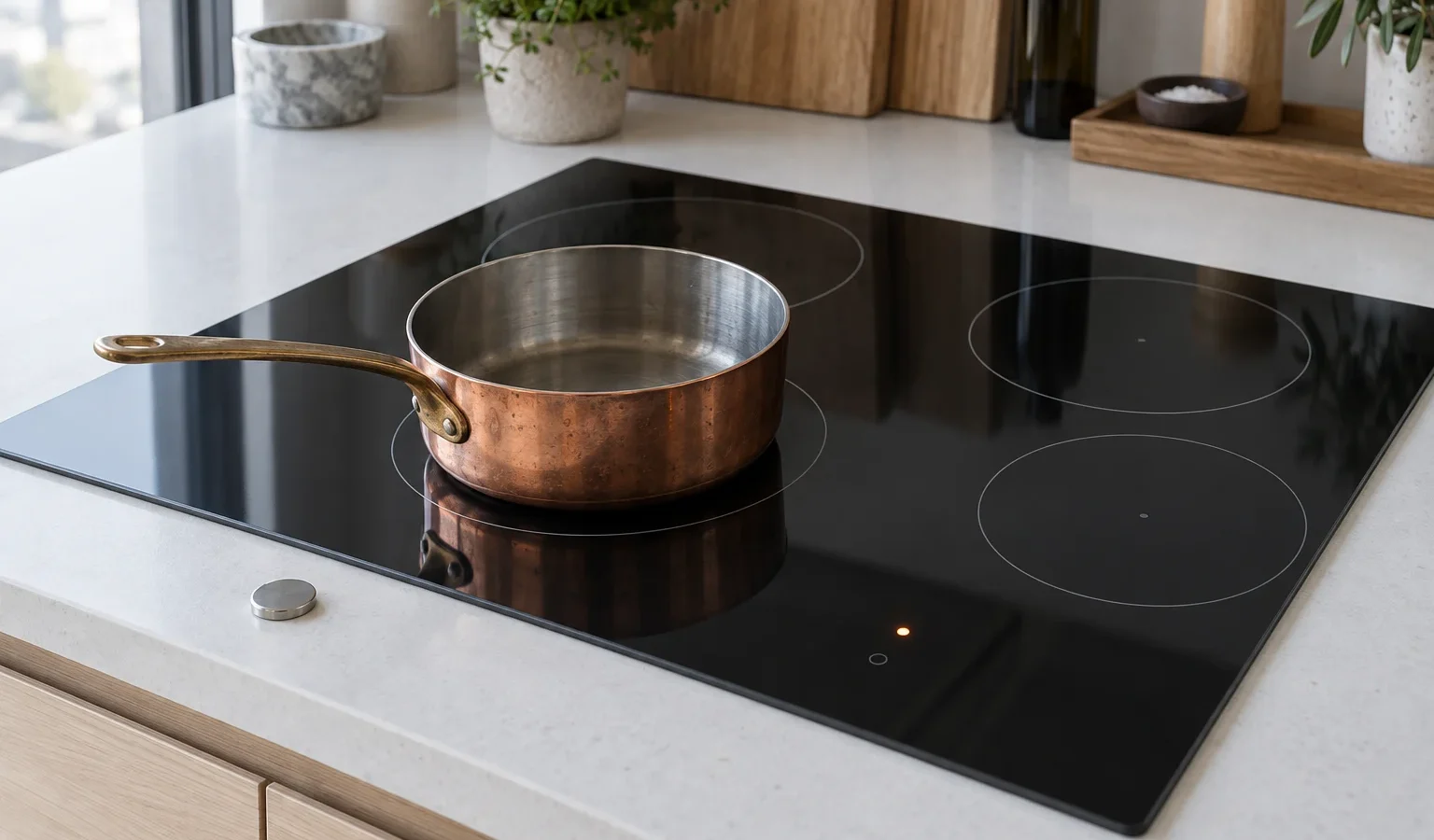
When the cooktop keeps flashing or refuses to start, it often cannot sense the pan. Learn what affects pan detection and when the zone itself needs a technician.
Before an induction zone sends power, it checks that a pan is present and that the pan can take the energy. If the check fails, the zone stays off and the display flashes, beeps or shows a symbol. The message may feel like a fault, yet in many kitchens it is the cooktop doing precisely what it was built to do: refusing to heat an empty zone, a spoon, or a pot that does not suit it.
Detection depends on the base of the pan. The cooktop needs a base that responds to its magnetic field, that lies flat against the glass, and that covers enough of the marked zone. Anything that interferes with those conditions makes detection unreliable: a pan whose base is warped from heat, a small pan on a large zone, a pan sitting half off the ring, or a pot with a rim or handle resting on the neighboring zone.
If you have just bought new cookware, that is a likely suspect. If the same pan used to work, think about what changed: a new pan set, a recent cleaning, a dropped pot that has changed shape. The broader article on an induction cooktop not heating cooktop looks at what to do if no pan is heated anywhere.
Take the same pan to each zone in turn. If it works on all but one, note which zone and where on the glass it sits. If the zone with trouble is the large one, try a larger pan, since a base that is too small is the simplest explanation. If the pan is large enough and well centered and still ignored, the zone may have a sensing or driver problem. That is a technician matter. Do not lift the glass or reach beneath it.
Another pattern: the zone starts and then drops out partway through cooking. A pan that warps as it heats can lose contact. A boiling-over liquid that reaches the controls can pause the zone. A heavy stir that moves the pan off center interrupts detection too. If the zone resumes the moment you reposition the pan, the cookware or the placement is the cause. If it drops out regardless of the pan and keeps doing so, record when it happens and tell us.
In many San Francisco kitchens an induction cooktop is a recent addition in a remodel, set into stone or butcher block above a drawer or an oven. The electronics under the glass need air. If a drawer stores items that press up near the underside, or if the cutout was done with little clearance, the cooktop can reduce or interrupt its own output. Detection issues sometimes surface only after long cooking, when the unit has warmed. If you notice that the problem appears late in a cooking session, mention it.
Touch controls respond to moisture. A damp cloth lying on the glass, a splash of water near the sliders, or steam from a pot beside the control area can cause phantom touches that pause or cancel a zone. If the cooktop beeps by itself or changes settings, dry the surface and keep the controls clear while cooking. Pots that boil over should be lifted off carefully; let the surface cool before wiping up sugary liquids.
Do not place metal foil, a thin steel disc or a metal tool on the zone to trick the cooktop into starting. Do not heat an empty pan to test the zone. Do not use a cracked or chipped cooktop. And do not try to open the unit; the electronics are live and the glass is fragile.
If several good pans fail on one zone, if the message appears on all zones, or if the display behaves oddly after a reset, a diagnosis is the next step. We test the zone, the sensing, the power supply and the controls before proposing a repair, and we give you a written estimate before anything proceeds. Please share the cooktop model; the HI1995G and the HI1655G are listed on our site, and our how to find your Asko model number guide shows where the data label usually sits. To book, start from Asko cooktop repair, and see Asko cooktops for the lineup.
It is checking whether the pan is suitable. Flashing that continues means detection is failing, often because of the pan base or position.
Hold a magnet to the underside. If it clings firmly, the pan is likely suitable, though the base must also be flat.
Look at the pan first: warping, residue or a different size. Then the zone and the surface: spills, a lock symbol or an object near the controls.
Yes. A base that is much smaller than the zone may not be detected. Use a smaller zone.
When good, flat, magnetic pans fail on the same zone or on every zone, or when the cooktop drops out regardless of cookware.
Share a few details and we’ll confirm an appointment. Prefer to talk? Call us and we’ll help right away.