

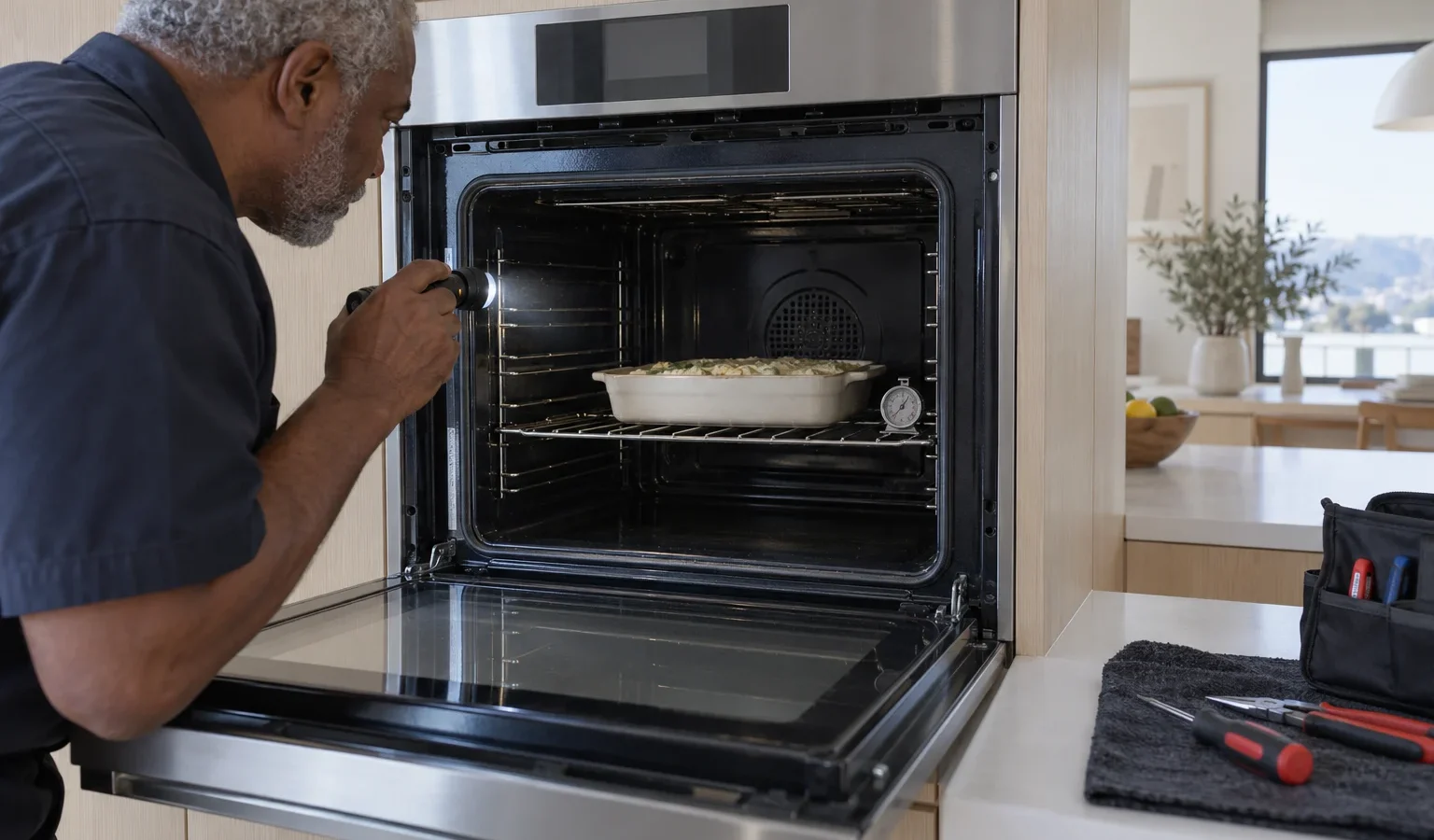
The display is lit but the oven stays cool, or it heats slowly and unevenly. These are the causes a technician looks at and the safe checks you can try first.
A wall oven that does not heat is maddening precisely because most of it appears fine. The clock works, the light comes on, the fan may even turn, and the cavity stays cool. The reason can be as small as a setting left in a mode that does not heat, or as involved as a failed part. Working through the possibilities in order saves a lot of guessing.
Many ovens have a sabbath, demo or timer-only mode that lights the display without heating. A delayed start set by accident does the same. Look at the display for a clock symbol, a lock, or a program that is waiting to begin. Cancel any delay and select a plain heating mode with a temperature. If your oven has a control lock, release it as the manual describes. Many reports of a “dead” oven end at this step.
An oven in a wall column is often wired to its own breaker, sometimes a double-pole type. If part of the supply is missing, the panel can work while the heating does not. Check the breaker panel for a breaker that has tripped or sits between positions and reset it once firmly. If it trips again, stop and leave it off. In older San Francisco homes with remodeled kitchens, a newer oven can meet old wiring in unexpected ways, and a repeated trip is information a technician should hear about.
This is a gentler version of the same problem. A cavity that takes much longer than before to reach temperature, food browning only on one side, or a cooling oven mid-bake suggests an element that is only partly working, a sensor out of range, or a fan problem. Try an oven thermometer placed centrally on a rack and compare it to the setting. Note whether the difference is steady or random. A steady difference suggests a sensor or offset issue; a random one suggests a part that comes and goes.
If your oven is a combi-steam model such as the OCS8687S, the heat and steam sides are separate. Test a plain heating mode first. If the plain mode heats and the steam mode does not, our article on steam oven problems describes that path. If neither mode heats, return to the causes in this article.
A wall oven sits in a snug cutout, and the cutout matters. Poor ventilation behind and above the oven can cause heat protection to trip. A power cable pinched by the oven when it was pushed back can cause intermittent supply loss. In flats and condos, where the oven column may have been installed by the previous owner, nobody remembers how it was fitted. Tell us what you know; it changes how a visit is planned.
A few observations make a visit shorter. Does the fan run when you select a heating mode? Does the oven click at the start, as if a relay is trying to close? Does the cavity light work? Is there any warm air at all at the vent? Did the trouble begin right after the oven was cleaned or moved? Did a power cut or breaker trip precede it? Each answer narrows the field, and none of them requires opening anything.
Never reach into an oven that is on or still warm, and never touch element terminals or wiring, even with the breaker off, unless you are qualified. Do not bypass a door switch or a safety limiter. If you smell gas anywhere in the kitchen, leave the house, avoid switches and call the gas utility or 911 from outside. If you smell burning or see sparks, switch the oven off at the breaker.
We diagnose before repairing, give you a written estimate, and do nothing without your approval. Share the model number, what the display shows, whether the oven heats at all, and what you tried. See Asko wall oven repair for how a visit works, Asko wall ovens for the lineup, and how to find your Asko model number if you cannot locate the label, which is usually on the door frame.
The display uses a small supply, while heating needs the elements, relays and safety circuits to work. A fault in the heating path leaves the display alive.
Yes. A delay, a lock or a non-heating mode can leave the oven cold. Check the settings first.
Once, firmly. If it trips again, leave it off and call.
This can mean an element that is only partly working, a sensor out of range or a fan problem. A thermometer test helps describe it.
Run a heating-only mode. If it heats, the steam side is the issue; if not, the heating path is.
Share a few details and we’ll confirm an appointment. Prefer to talk? Call us and we’ll help right away.